> ## Documentation Index
> Fetch the complete documentation index at: https://docs.percify.io/llms.txt
> Use this file to discover all available pages before exploring further.
# Break down a TikTok or Reel into a recreation recipe
> Paste a TikTok, YouTube Short or Reel link and Percify returns its hook, style, pacing, transcript and a shot-by-shot scene list. Costs 5 credits, refunded if it fails.
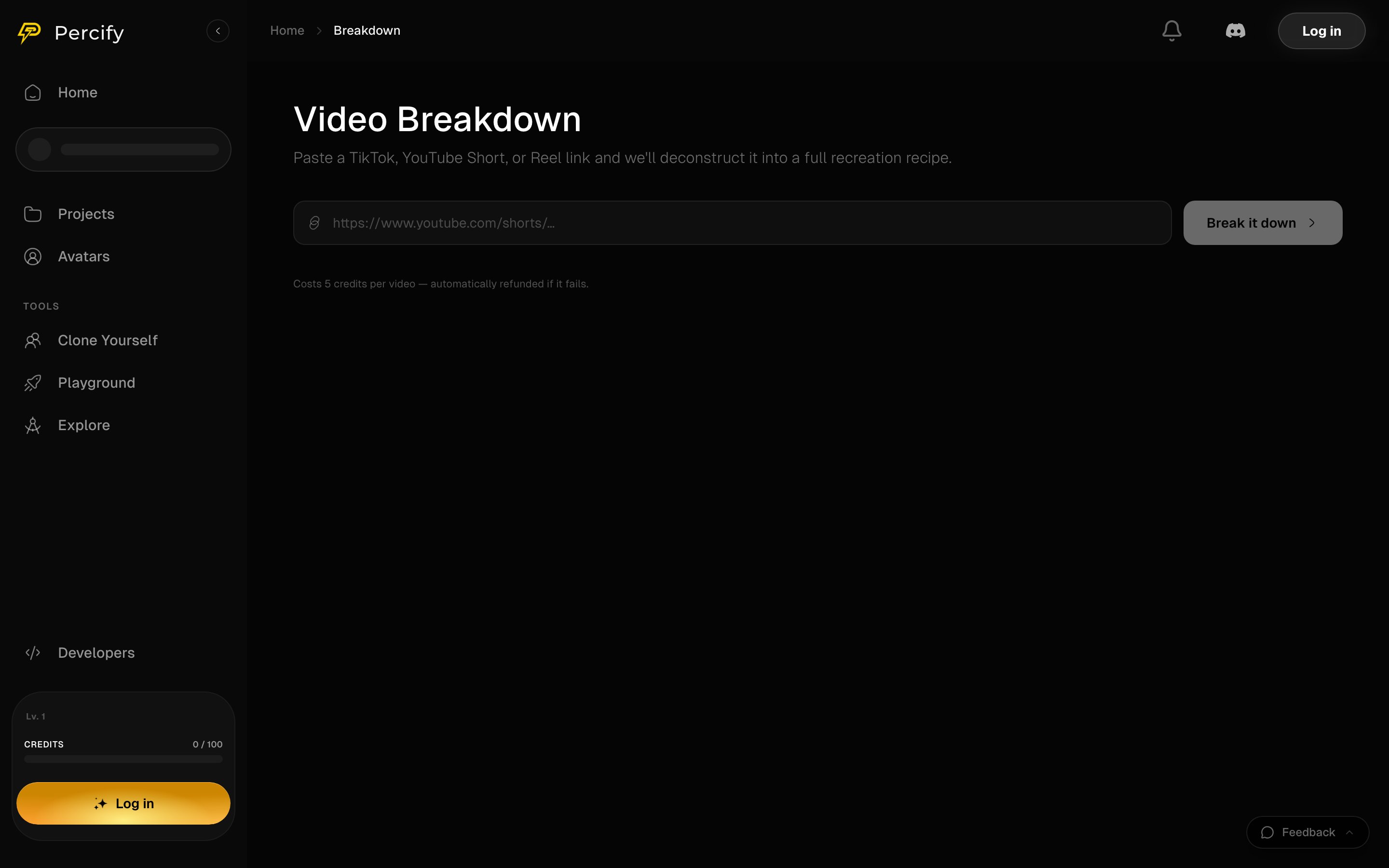
Video Breakdown takes the link of a short video and deconstructs it into a recipe you could film again: the hook and why it works, the visual style, the pacing, a transcript with timings, and a scene-by-scene list with shot type and camera movement. Open it at [app.percify.io/home/breakdown](https://app.percify.io/home/breakdown?utm_source=docs\&utm_medium=referral\&utm_campaign=create-video-breakdown). It costs **5 credits per video** and the credits come back automatically if it fails.
 ## What you give it
A link to a TikTok, a YouTube Short or an Instagram Reel. Paste it in the field and press **Break it down**.
## What you get back
| Part | What is in it |
| ---------- | -------------------------------------------------------------------------------------------------- |
| Hook | The opening line, and why it works |
| Style | The visual look, the colour, the editing and the vibe |
| Pacing | How the cuts are timed |
| Transcript | Every spoken line with a start and end time |
| Scenes | Each shot with its start and end, shot type, camera movement, what is in it and any on-screen text |
| Summary | The video in a sentence, with its duration and format |
Scenes also carry the first and last frame where those are available, so you can see how each shot opens and closes.
## What it costs
5 credits per video. If the breakdown fails, the 5 credits are returned automatically. See [How Percify credits work](/percify/credits).
## Breakdown or Replicate a short?
They start the same way and end differently.
| | Video Breakdown | [Replicate a short](/create/replicate) |
| ------------- | ----------------------------------------- | ----------------------------------------- |
| Gives you | The recipe, to read | The recipe, then a new video made from it |
| Analysis cost | 5 credits | 5 credits |
| Generation | None | Priced per clip |
| Use it when | You want to learn what makes a video work | You want your own version of it |
Use Video Breakdown when you are studying a format. Use Replicate a short when you want to put your own face, character or voice through it.
## FAQ
TikTok, YouTube Shorts and Instagram Reels.
Yes. A failed breakdown is refunded automatically, and the page says so before you run it.
Yes. `analyze_video` on [the MCP server](/mcp-server) runs the same analysis, and `get_video_analysis` polls it.
No. It describes it. Making a new video from the recipe is [Replicate a short](/create/replicate), and what you may do with the result is covered in [commercial use](/billing/commercial-use).
## Related
Take the same breakdown and regenerate the video with your own cast.
analyze\_video and get\_video\_analysis do this from an MCP client.
Credit prices across the app.
Start from an idea instead of an existing video.
## What you give it
A link to a TikTok, a YouTube Short or an Instagram Reel. Paste it in the field and press **Break it down**.
## What you get back
| Part | What is in it |
| ---------- | -------------------------------------------------------------------------------------------------- |
| Hook | The opening line, and why it works |
| Style | The visual look, the colour, the editing and the vibe |
| Pacing | How the cuts are timed |
| Transcript | Every spoken line with a start and end time |
| Scenes | Each shot with its start and end, shot type, camera movement, what is in it and any on-screen text |
| Summary | The video in a sentence, with its duration and format |
Scenes also carry the first and last frame where those are available, so you can see how each shot opens and closes.
## What it costs
5 credits per video. If the breakdown fails, the 5 credits are returned automatically. See [How Percify credits work](/percify/credits).
## Breakdown or Replicate a short?
They start the same way and end differently.
| | Video Breakdown | [Replicate a short](/create/replicate) |
| ------------- | ----------------------------------------- | ----------------------------------------- |
| Gives you | The recipe, to read | The recipe, then a new video made from it |
| Analysis cost | 5 credits | 5 credits |
| Generation | None | Priced per clip |
| Use it when | You want to learn what makes a video work | You want your own version of it |
Use Video Breakdown when you are studying a format. Use Replicate a short when you want to put your own face, character or voice through it.
## FAQ
TikTok, YouTube Shorts and Instagram Reels.
Yes. A failed breakdown is refunded automatically, and the page says so before you run it.
Yes. `analyze_video` on [the MCP server](/mcp-server) runs the same analysis, and `get_video_analysis` polls it.
No. It describes it. Making a new video from the recipe is [Replicate a short](/create/replicate), and what you may do with the result is covered in [commercial use](/billing/commercial-use).
## Related
Take the same breakdown and regenerate the video with your own cast.
analyze\_video and get\_video\_analysis do this from an MCP client.
Credit prices across the app.
Start from an idea instead of an existing video.