Overview

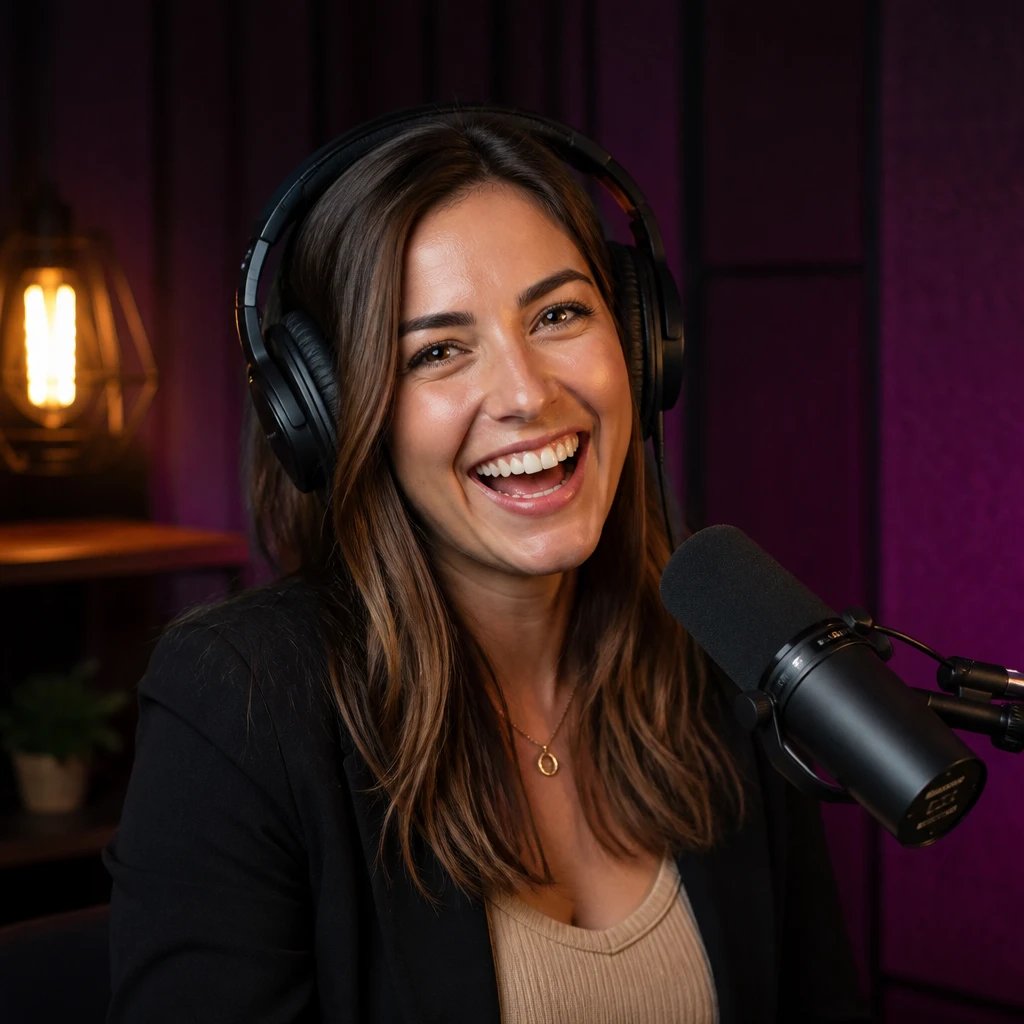
Avatar Studio is Percify’s flagship feature for creating personalized AI avatars. Generate stunning portraits, characters, and artistic representations using state-of-the-art AI models, then refine and publish them to your profile or integrate them into your applications.

Quick Generation

Generate avatars in seconds with simple text prompts

Style Control

Choose from multiple AI models and artistic styles

Iterative Refinement

Refine results with prompt engineering and variations

Publishing & Sharing

Publish to public feed or keep private for personal use

Generation Models

Percify offers multiple AI models optimized for different use cases:

Flux (Standard)

  • Cost: 2 credits per generation
  • Speed: ~3-5 seconds
  • Best for: Quick iterations, concept exploration, general portraits
  • Quality: High quality with good prompt adherence

Imagen3 (Premium)

  • Cost: 5 credits per generation
  • Speed: ~5-8 seconds
  • Best for: Professional portraits, detailed characters
  • Quality: Exceptional detail and photorealism

Reality4 (Premium)

  • Cost: 5 credits per generation
  • Speed: ~6-10 seconds
  • Best for: Ultra-realistic renders, commercial use
  • Quality: Industry-leading photorealism

Creating Your First Avatar

1

Navigate to Studio

From the dashboard, click “Avatar Studio” or use the quick-create button
2

Enter Your Prompt

Describe your desired avatar. Be specific about:
  • Physical features and appearance
  • Style (realistic, artistic, anime, etc.)
  • Mood and expression
  • Background and setting
  • Lighting conditions
3

Select Model & Settings

  • Choose AI model (Flux, Imagen3, Reality4)
  • Set aspect ratio (1:1, 16:9, 9:16)
  • Adjust guidance scale (7-15 recommended)
  • Set seed for reproducibility (optional)
4

Generate

Click “Generate” and wait 3-10 seconds depending on model

Prompt Engineering Tips

Use this formula for best results:
[Subject] [Style] [Details] [Setting] [Lighting]
Example: “Young astronaut, cinematic portrait, futuristic suit with glowing accents, nebula background, soft rim lighting”
Effective descriptors:
  • Quality: high resolution, detailed, sharp focus, professional
  • Style: photorealistic, oil painting, anime style, cyberpunk, fantasy
  • Lighting: dramatic lighting, golden hour, neon glow, studio lighting
  • Mood: serene, confident, mysterious, joyful
Exclude unwanted elements:
Negative: blurry, low quality, distorted, extra limbs, text, watermark
  1. Start with a simple, clear prompt
  2. Generate and evaluate results
  3. Add specific details to refine
  4. Adjust model or settings if needed
  5. Keep successful prompts for reuse

Advanced Features

Percify Yourself

Transform your own photos into AI avatars that maintain your likeness while applying different styles.
  • Cost: 10 credits per generation
  • Requirements: Clear front-facing photo, good lighting, neutral background
  • Process: Upload photo → Select style → Generate → Refine
curl -X POST https://api.percify.io/v1/avatars/percify-yourself \
  -H "Authorization: Bearer $PERCIFY_API_KEY" \
  -H "Content-Type: multipart/form-data" \
  -F "image=@portrait.jpg" \
  -F "style=cyberpunk" \
  -F "prompt=futuristic warrior, neon lights"

Avatar Cast

Create multi-character scenes with consistent styling across characters.
  • Cost: 30 credits per generation
  • Use cases: Team portraits, group scenes, character lineups
  • Features: Automatic composition, consistent lighting, style coherence

Style Presets

Quick-start templates for common avatar types:

Professional

LinkedIn-ready business portraits

Gaming

Game character designs and avatars

Fantasy

D&D characters, mythical beings

Anime

Anime and manga style characters

Cyberpunk

Futuristic, neon-lit sci-fi

Renaissance

Classical art style portraits

Publishing & Visibility

Visibility Options

  • Public: Appears in explore feed, discoverable by all users
  • Unlisted: Accessible via direct link only
  • Private: Only visible to you, usable in your projects

Publishing Process

const response = await fetch('https://api.percify.io/v1/avatars/publish', {
  method: 'POST',
  headers: {
    'Authorization': `Bearer ${process.env.PERCIFY_API_KEY}`,
    'Content-Type': 'application/json'
  },
  body: JSON.stringify({
    avatarId: 'avatar_123',
    visibility: 'public',
    tags: ['cyberpunk', 'portrait', 'character-design'],
    description: 'Futuristic explorer character concept'
  })
});

Metadata & Tagging

Organize and discover avatars with:
  • Custom tags (up to 10 per avatar)
  • Descriptions (up to 500 characters)
  • Collections (group related avatars)
  • Favorites (bookmark for quick access)

Studio Interface

Key Controls

ControlFunction
Prompt BoxEnter/edit generation prompt
Model SelectorChoose AI model (Flux/Imagen3/Reality4)
Aspect RatioSet output dimensions
Guidance ScaleControl prompt adherence (7-15)
SeedFix randomness for reproducibility
Batch SizeGenerate multiple variations (1-4)
Negative PromptExclude unwanted elements

Generation History

All your generations are saved and accessible:
  • View thumbnails in timeline
  • Compare variations side-by-side
  • Restore previous prompts
  • Track credit usage per generation

Best Practices

Optimize Credit Usage: Start with Flux (2 credits) for exploration, switch to premium models when you’ve refined your prompt.
Content Policy: Avatars must comply with Percify’s content guidelines. Prohibited content includes violence, hate speech, explicit content, and impersonation of real individuals without consent.
Performance Tips:
  • Generate during off-peak hours for faster processing
  • Use batch generation sparingly (costs multiply)
  • Save successful prompts as templates
  • Reuse seeds for consistent character designs

API Integration

Generate Avatar Image

// Node.js/JavaScript
const percify = require('@percify/sdk');

const client = new percify.Percify({
  apiKey: process.env.PERCIFY_API_KEY
});

const avatar = await client.avatars.generate({
  prompt: 'ethereal forest guardian, glowing eyes, mystical atmosphere',
  model: 'imagen3',
  aspectRatio: '1:1',
  guidanceScale: 10,
  negativePrompt: 'blurry, low quality'
});

console.log(`Avatar ID: ${avatar.id}, Status: ${avatar.status}`);
# Python
from percify import Percify

client = Percify(api_key=os.environ['PERCIFY_API_KEY'])

avatar = client.avatars.generate(
    prompt='ethereal forest guardian, glowing eyes, mystical atmosphere',
    model='imagen3',
    aspect_ratio='1:1',
    guidance_scale=10,
    negative_prompt='blurry, low quality'
)

print(f"Avatar ID: {avatar.id}, Status: {avatar.status}")

Check Generation Status

curl -X GET https://api.percify.io/v1/avatars/avatar_123 \
  -H "Authorization: Bearer $PERCIFY_API_KEY"
Response:
{
  "id": "avatar_123",
  "status": "completed",
  "imageUrl": "https://cdn.percify.io/avatars/avatar_123.png",
  "thumbnailUrl": "https://cdn.percify.io/avatars/avatar_123_thumb.png",
  "prompt": "ethereal forest guardian...",
  "model": "imagen3",
  "creditCost": 5,
  "createdAt": "2025-11-25T05:30:00Z",
  "completedAt": "2025-11-25T05:30:08Z"
}

Troubleshooting

IssueCauseSolution
Generation stuck in “processing”Server queue or timeoutWait 30s, check status endpoint, contact support if >2 minutes
Poor quality resultsWeak prompt or low guidanceStrengthen prompt details, increase guidance scale to 12-15
Unexpected elementsModel interpretationAdd negative prompts, be more specific in main prompt
Insufficient creditsBalance below model costPurchase credits or switch to lower-cost model
429 Rate limitToo many concurrent requestsReduce request frequency, implement exponential backoff

Next Steps

Support

Need help with Avatar Studio? Check the FAQ or reach out to support@percify.io.